
Modern One UI Has the Best Virtual SmartThings TV Remote
Over the past four years, Samsung has transformed its TV remote from a bulky, outdated device into the sleek, solar-powered remote that many users appreciate today. Alongside this physical evolution, Samsung has also focused on digitizing its TV remote experience through the SmartThings mobile app. Now, virtual TV controls are accessible not only on Galaxy phones but also on Galaxy Watches, offering users more ways to interact with their TVs.
Despite these advancements, Samsung does not seem to be aiming to fully replace the physical TV remote with on-screen buttons on smart devices—at least, not at this time. Instead, the company has steadily improved its virtual remote over the years, and this feature appears to be a permanent part of the SmartThings ecosystem. Recently, the virtual remote has become much more user-friendly and easier to access, making it a more attractive option for users.
The Best Virtual TV Remote Experience So Far
For a long time, I viewed the virtual remote as a backup option, something to use only if my SolarCell physical remote was lost or broken. I have always preferred physical buttons for controlling my TV, and using the virtual remote on my phone or watch often felt awkward and inconvenient.
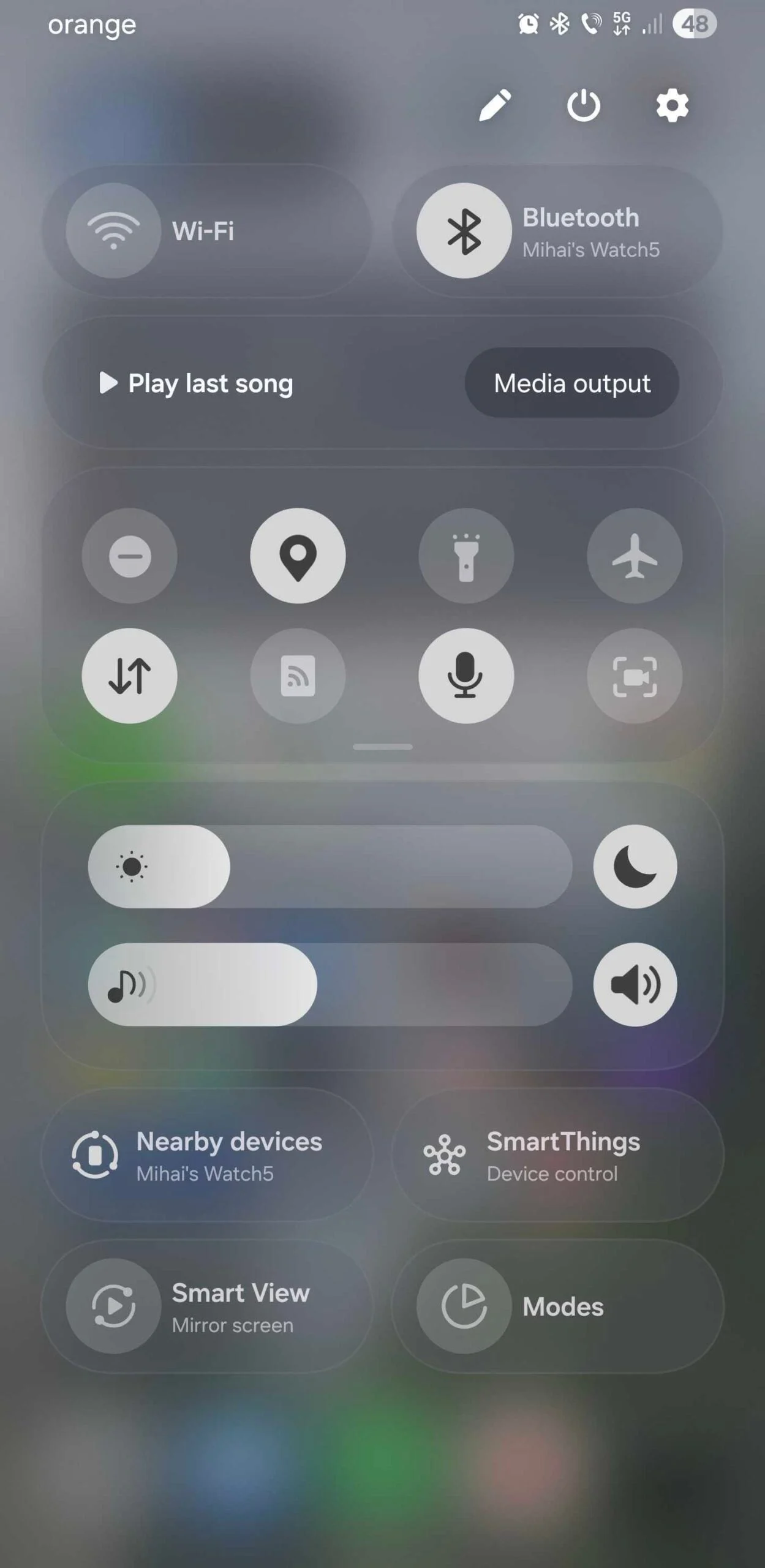
That perception has changed with the latest update. The new TV remote panel is now integrated directly into the SmartThings Device Control quick toggle, making it far easier to reach and use. While I am not exactly sure when Samsung introduced this feature, it appears to be a recent addition following the launch of One UI 8.
This update has made me consider using the virtual remote more regularly. Although I still plan to keep my SolarCell remote as my primary controller, I have found myself reaching for my phone a few times when I misplaced the physical remote. This is a significant change because, before this update, I rarely used the virtual remote despite knowing it was available in the SmartThings app, on the lock screen, as a home screen widget, and on my Galaxy Watch.
Previously, I regarded these virtual remote options as mere backups in case my physical remote failed. However, the new SmartThings Device Control design feels like more than just a fallback. While I wouldn’t use it every day, I have used it more often than any previous virtual remote iteration. This suggests Samsung is making meaningful improvements that enhance the virtual remote’s appeal and usability.
Room for Improvement in the Modern One UI Virtual Remote
Despite these positive changes, the virtual remote still lacks some features. For example, I don’t understand why there isn’t a built-in microphone button for voice control. This omission is puzzling, especially given how integrated voice assistants have become in smart devices.
Nevertheless, the current implementation of the virtual remote, embedded within the SmartThings Device Control panel, is better than ever. It is more accessible and visually appealing, making it a genuinely useful tool for controlling Samsung TVs remotely. The improvements show that modern one UI has successfully enhanced the virtual SmartThings TV remote, making it a practical option rather than just a backup.
In summary, Samsung’s ongoing efforts have turned the virtual remote into a more polished and accessible feature. While physical remotes like the SolarCell remain the preferred choice for many users, the virtual remote is now a viable alternative when needed. With further refinements, it could become an even more integral part of the Samsung TV experience.
For more stories on this topic, visit our category page.
Source: original article.