
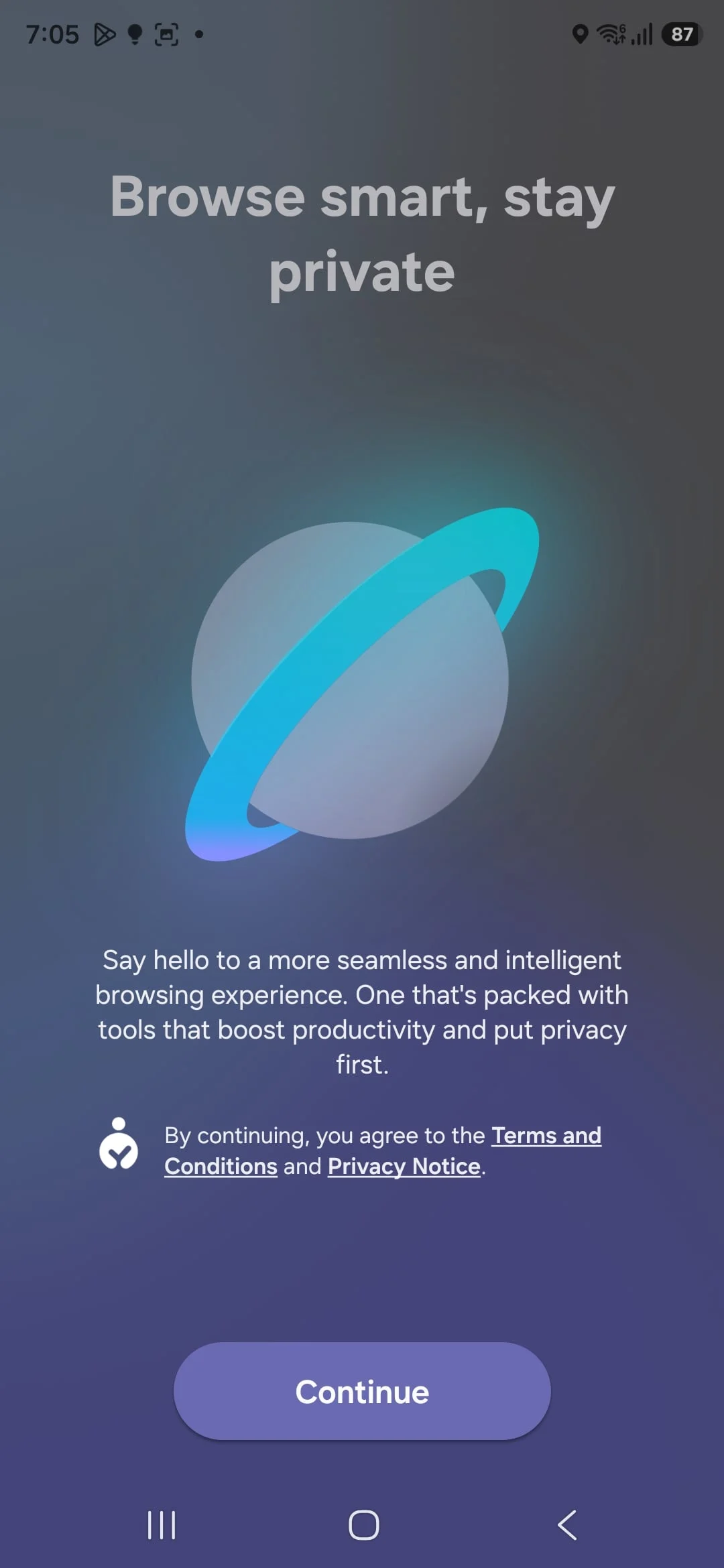
Try Out New Samsung Internet on Your Galaxy Phone Without One UI 8.5
Samsung’s upcoming One UI 8.5 update will bring redesigns to many of its stock applications, including Samsung Internet. The exciting news is that you don’t have to wait for your Galaxy phone to receive the One UI 8.5 update to try out the new Samsung Internet browser. You can experience the latest version right now.
Version 29.0.2.58 of Samsung Internet is already available through the Galaxy Store on devices running leaked One UI 8.5 firmware. However, you can also install this version on devices running older One UI versions, such as One UI 8.0 or even One UI 7.0. This means that even if your phone hasn’t officially received the One UI 8.5 update, you can still get a taste of the new browser features.
How to Install the Latest Samsung Internet Browser
To try out the new Samsung Internet browser, simply download the APK file from Google Drive using the provided link. Once downloaded, open the file through the My Files app on your phone to begin installation. The APK file is completely safe and has not been altered in any way, so you can install it without concern.
Before installing, you might need to disable the Auto Blocker feature on your device. This can be done by navigating to Settings, then Security and Privacy, and turning off Auto Blocker. After that, you can proceed with the installation smoothly.
What to Expect from the New Samsung Internet Experience
The latest update to Samsung Internet is mostly visual, focusing on interface improvements and design tweaks. While some of these changes will only be visible on devices running One UI 8.5, there is still plenty to explore on older versions. This update offers a solid preview of what Samsung has planned for its browser.
Even if your Galaxy phone is not yet running One UI 8.5, you can still enjoy many of the new features and design enhancements by installing this version. It’s a great opportunity to try out new Samsung Internet and get familiar with the upcoming changes ahead of the official One UI 8.5 rollout.
In summary, you don’t have to wait for the full One UI 8.5 update to experience the redesigned Samsung Internet browser. By downloading and installing the latest APK, you can explore the new look and feel on your Galaxy phone today. This is a simple and safe way to try out new Samsung Internet and see what the future holds for Samsung’s browser.
For more stories on this topic, visit our category page.
Source: original article.